
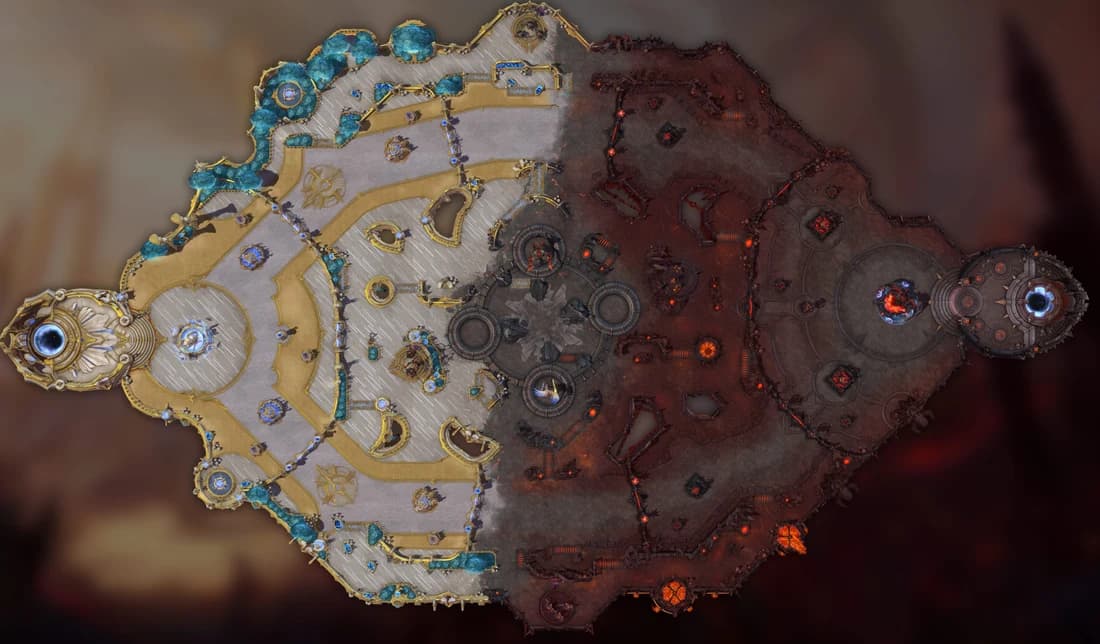
MercStats Companion beta.7 adds a Death map to the post-match view. You can now look back at where you died and where you picked up kills or assists after a match.
- Choose any of the ten players, or filter by team.
- Switch between Deaths, Kills and Assists. Select one player to combine them with All.
- Follow the full match timeline, with red deaths, blue kills and yellow assists.
- Hover or tap a crowded group to pick the event you want to inspect.
- Open an event for the victim, recorded final blow and other takedown participants.
The map comes from the completed replay on your computer, so it can appear before the upload finishes. Kills and assists are shown at the victim's death location. Positions on the artwork are approximate; damage amounts and ability breakdowns are not available.
The Death map on MercStats.com has the same filters and timeline controls. Expand a match in a player's match history and choose Death map to try it. Older website matches may not have the recorded events needed for a Death map.
Get the update
Beta.7 is available for Windows and Linux. The Windows installer is unsigned, so Windows may show a publisher or security warning. The public macOS package is still in progress.
Visit the Companion download page for the available package and version for your platform. Existing Windows clients can also check for updates in Settings when a newer Windows installer is available.